
CNC Workholding and Setup
See how the shop supports a part, sets its references and changes its orientation to reach the next feature.
What you’ll learn
Design engineers and manufacturing teams reviewing machined parts.
- Identify the surfaces used to hold a part during a setup.
- Compare an indexed fixture with a broad vacuum clamping surface.
Episodes
-
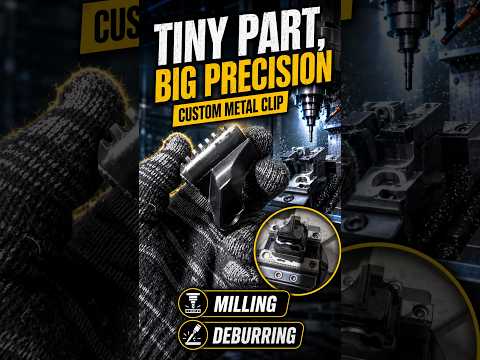
Clamping and Cutoff for a Multi-Sided Bracket
The operator shows the bracket, reorients the work in its fixture, mills a slot and cuts the part free. The remaining material supports the part until the cutoff step.
-
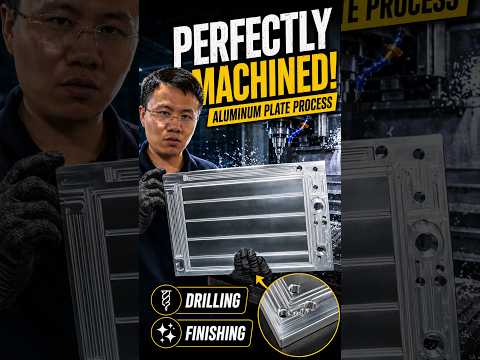
Vacuum Workholding for a Large Slotted Plate
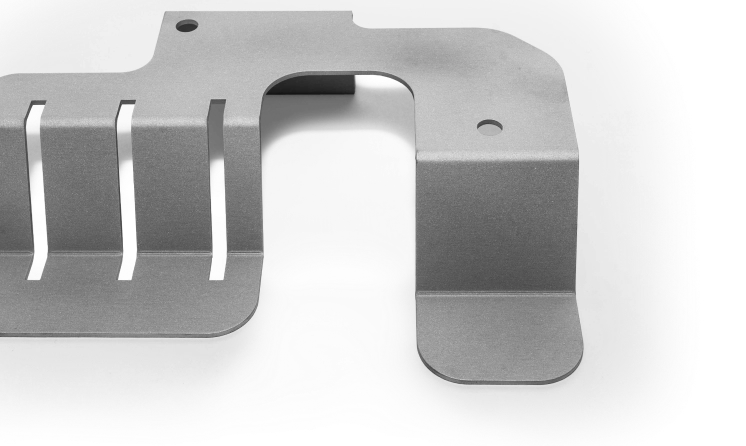
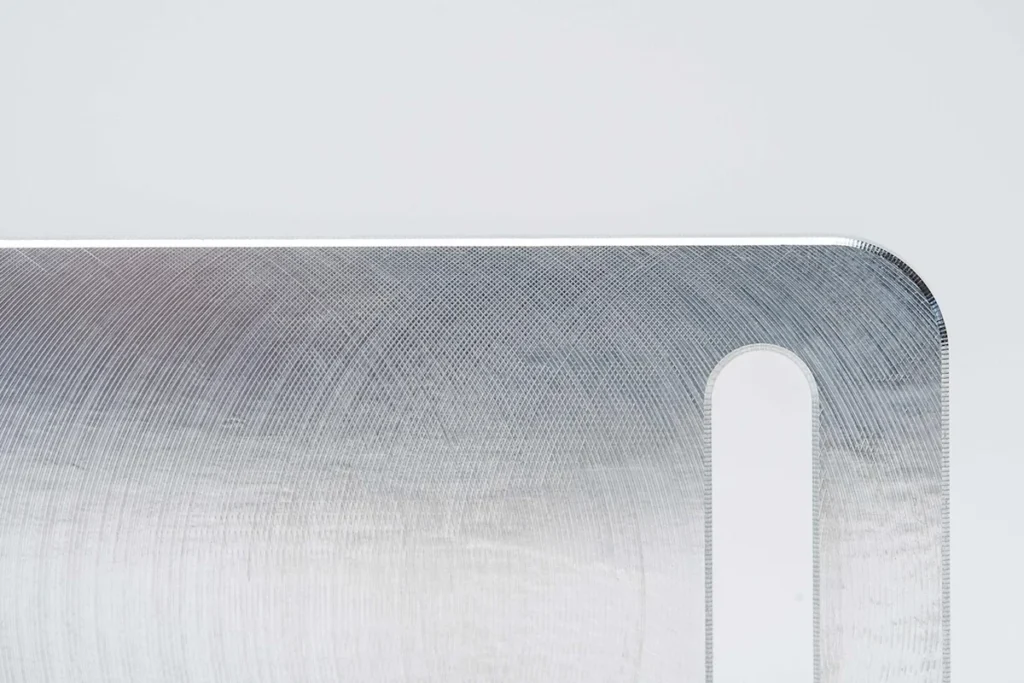
The operator presents a slotted plate and shows how a broad face is held while features on both faces are machined. The footage shows the workpiece and the setup used for the reverse side.
-
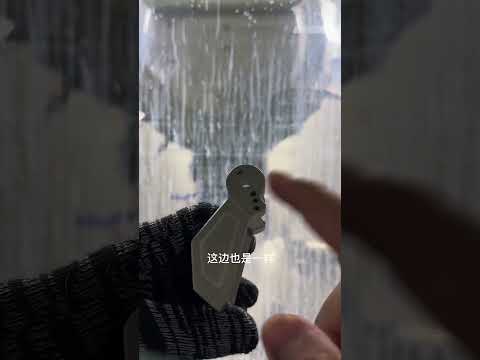
Indexed Machining for a Forked Bracket
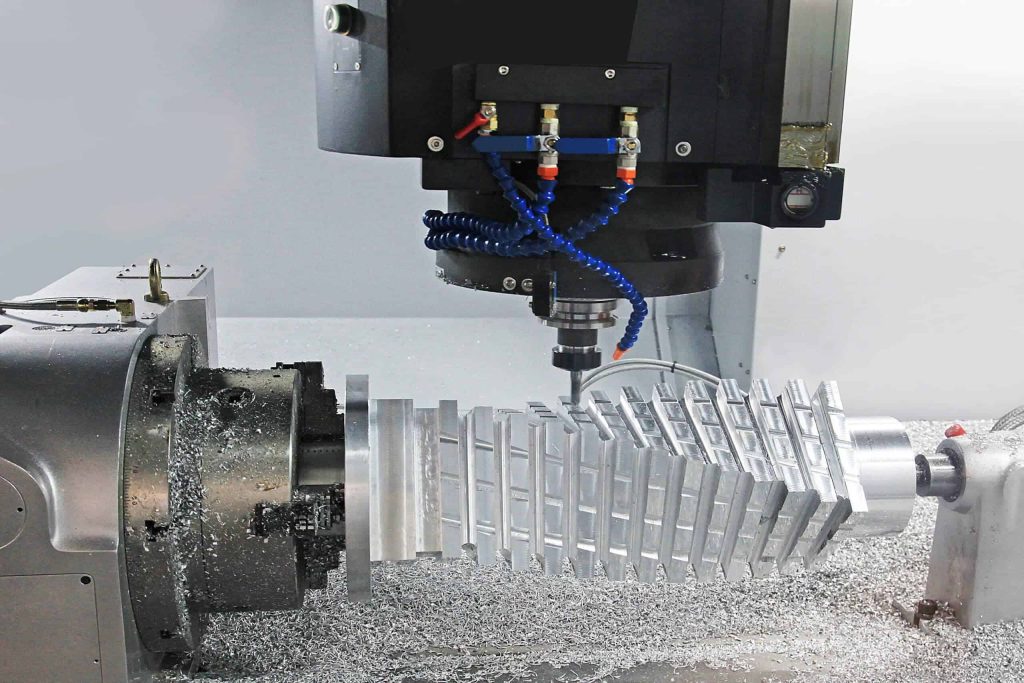
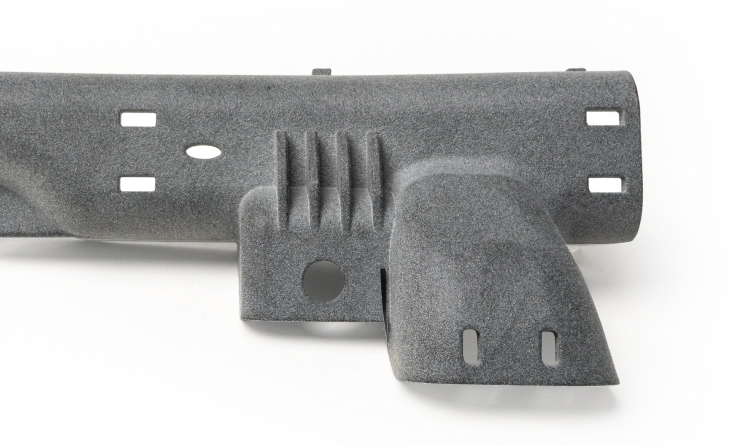
The operator shows a forked bracket, its indexed setup and how different orientations expose the side features and a bore from below.
-
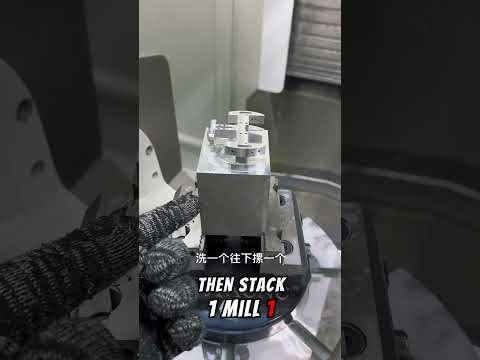
Reclamping a Block to Mill Multiple Faces
The operator compares the starting block with the machined part, then shows how the block is turned over to reach features on another face.
-
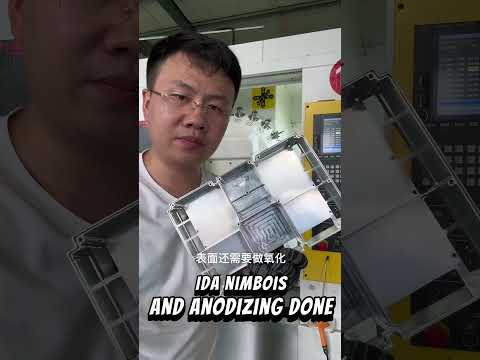
Supporting a Housing During Pocket Milling
The operator presents a pocketed housing, shows how it is flipped in the machine and points out a shaped support used during machining.
-
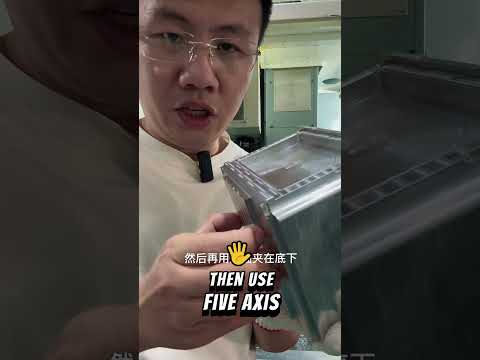
Tool Access for a Deep-Pocket Enclosure
The operator presents a pocketed enclosure, describes the initial three-axis setup and shows the tool reaching into the pocket before pointing out side features.